Comparison · Equalizer
The best equalizer apps for Mac in 2026
macOS has no system-wide equalizer, so you need an app. eqMac is the free, EQ-first pick, Intel Macs included; Boom 3D adds 3D surround and a booster; SoundSource puts effects on single apps; TONO – which we make – joins a 24-band EQ with 3D, per-app outputs, recording and a clean mic.

Facts as of
From each vendor’s own website – the sources are at the end.
TONO 2.3.0macOS 15+Apple silicon
DisclosureWe make TONO, so read this with that in mind. We compare only facts each vendor publishes on its own website (sources below), and we say where another app does something TONO doesn’t. Check the vendors’ sites before you decide. eqMac, Boom 3D, SoundSource and Rogue Amoeba are trademarks of their owners; TONO is not affiliated with them.
Quick picks
- A free, EQ-first app for almost any Mac: eqMac – up to ten fixed bands and headphone presets free, macOS 10.13+, Intel and Apple silicon.
- 3D surround with a booster and radio: Boom 3D – a 31-band equalizer with presets and custom presets, 3D surround, volume booster, per-app volume, internet radio; macOS 11+.
- Effects and plug-ins per app: SoundSource – per-app volume, output and effects including a 10-band EQ and Audio Units; macOS 15 to 27.
- One app for sound and screens: TONO – 10 faders free, up to 24 parametric bands in Pro, 3D and 8D with head tracking, per-app volume and outputs, recording, a noise-filtered virtual mic, a hearing test, brightness and window snapping; macOS 15+ on Apple silicon.
Overview
| App | Equalizer | Per-app control | 3D / spatial | Requirements | Price model |
|---|---|---|---|---|---|
| TONO | 10 faders (Free), up to 24 parametric bands (Pro), 60+ presets, AutoEQ import | Volume, mute, output (Pro) | 3D, 8D, 4D, rooms, head tracking (Pro) | macOS 15+, Apple silicon | Free; Pro €3.99/mo, €29/yr, €79 once |
| eqMac | Basic and 10-band free; unlimited bands (Pro); 4,600+ headphone presets | Volume per app (Pro) | Spatial Audio effect (Pro) | macOS 10.13+, Intel and Apple silicon | Free; Pro from $3/mo, $30/yr, $40 lifetime |
| Boom 3D | 31-band equalizer with presets and custom presets; headphone EQ for 5,000+ models | Volume per app | 3D surround, 5.1 support | macOS 11+ | One-time purchase, 15-day trial; App Store in-app packs |
| SoundSource | 10-band EQ, Audio Units, Headphone EQ – system-wide and per app | Volume, output, effects | Not listed | macOS 15 to 27 | $49 one-time (USD, plus local taxes) |
TONO
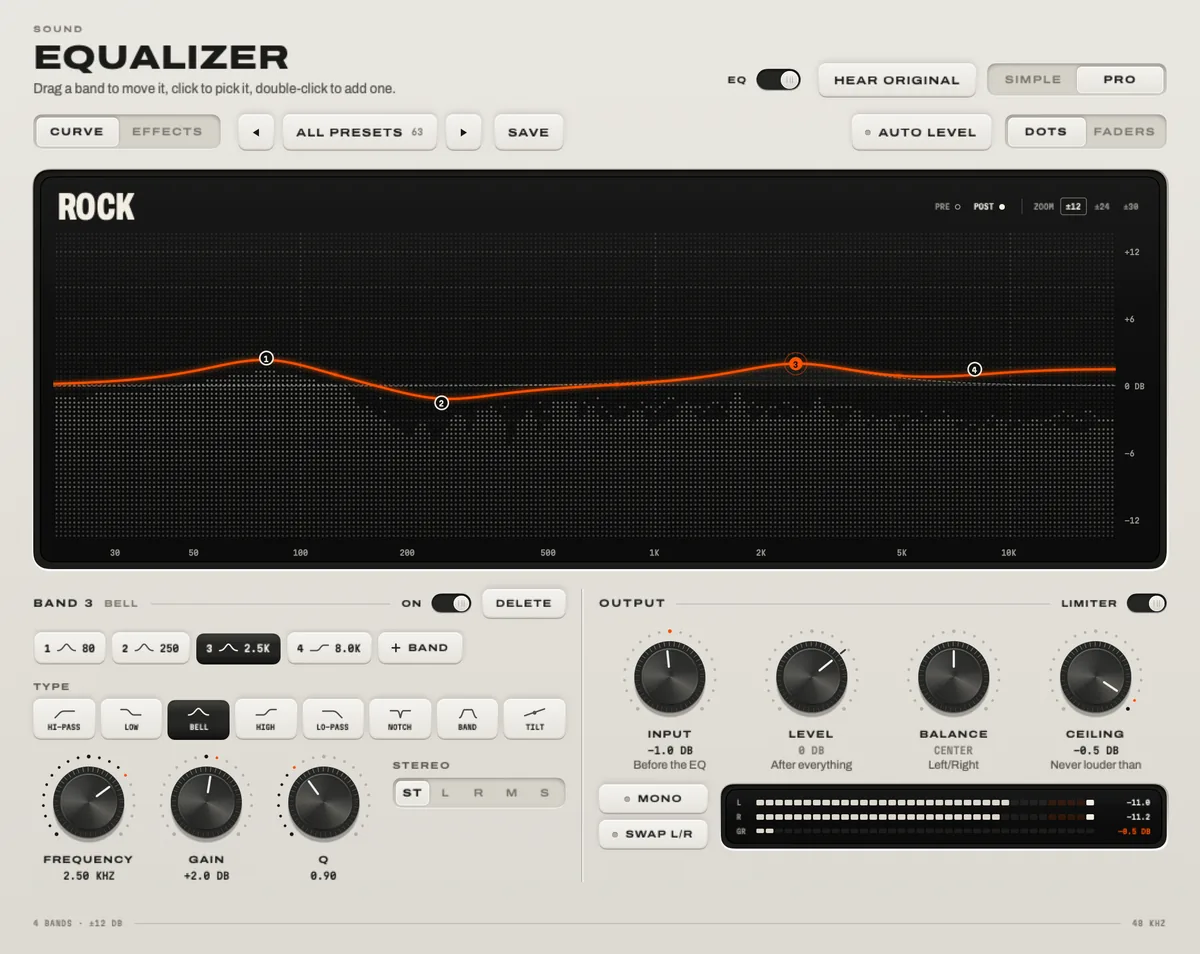
Good for: people who want the equalizer and everything around it in one window – 3D and 8D sound with AirPods head tracking, a fader and an output for every app, recording of system audio, one app or a call, a noise-filtered virtual mic for Discord, Zoom and OBS, a hearing test, a visualizer, brightness below the minimum and window snapping. It captures audio with the process taps built into macOS, without an audio driver for the sound.
Keep in mind: it needs macOS 15 and Apple silicon, has no Audio Unit hosting and applies one sound to all apps rather than effects per app. More about TONO’s equalizer.
eqMac
Good for: a free equalizer with headphone presets that also runs on Intel Macs and macOS versions back to 10.13. Pro adds unlimited bands, an app mixer, spatial audio, separate left/right EQ and Audio Unit hosting. Its older releases are open source.
Keep in mind: it routes system audio through its own audio driver. TONO vs eqMac in detail.
Boom 3D
Good for: a strong 3D surround effect and a volume booster with little setup, a 31-band equalizer with many presets and your own, per-app volume, 5.1 content on headphones, plus an audio player and internet radio. Available directly and on the Mac App Store.
Keep in mind: its focus is playback enhancement; recording, a virtual mic or display tools aren’t part of it. TONO vs Boom 3D in detail.
SoundSource
Good for: the most granular per-app control from the menu bar – volume, output and effects per app, Audio Unit plug-ins, Headphone EQ, Magic Boost, device groups and volume keys for HDMI and DisplayPort outputs. A one-time purchase.
Keep in mind: it doesn’t list 3D or 8D sound; recording and virtual audio devices come from Rogue Amoeba’s other apps. TONO vs SoundSource in detail.
The built-in options
- The Music app has an equalizer under Window → Equalizer. It shapes only the Music app.
- Spotify’s desktop app has an equalizer under your profile picture → Settings → Playback. It shapes only Spotify – see How to use an equalizer with Spotify on Mac.
- macOS itself has no system-wide equalizer. For supported AirPods and Beats it can spatialize stereo, but it doesn’t offer an EQ for everything the Mac plays.
How to choose
- Check your Mac first. Intel or macOS older than 15 rules TONO out; eqMac and Boom 3D cover older systems.
- Decide between one sound and per-app effects. One tuned sound for everything: TONO, eqMac or Boom 3D. Different effects on different apps: SoundSource.
- Count the other apps you’d need. If you’d also install a recorder, a mic noise filter, a dimmer or a window manager, an all-in-one saves money and menu-bar space.
- Use the trials. TONO has a free tier and one day of Pro; Boom 3D has a 15-day trial; SoundSource has a limited trial; eqMac has a free tier.
Questions
What is the best free equalizer for Mac?
Two free options work system-wide: TONO Free (ten faders, 60+ presets, AutoEQ import; macOS 15+ on Apple silicon) and eqMac’s free tier (Basic and 10-band Advanced equalizers with headphone presets; macOS 10.13+, Intel and Apple silicon). Neither expires.
Does macOS have a built-in system-wide equalizer?
No. The Music app and Spotify each have their own, but they only change their own app. For an equalizer on everything – browsers, games, calls – you need an app like the ones above.
Do equalizer apps need a driver on Mac?
It depends on the app. Some install a virtual audio device; TONO uses the Core Audio process taps macOS has provided since 14.2 and needs no driver for the sound.
Can I run two equalizer apps at once?
Better not. Their effects stack and can fight over the output. Choose one, quit the other, and check that your real speakers or headphones are selected in System Settings → Sound.
Sources
All checked on .
- eqMac: eqmac.app and github.com/bitgapp/eqMac
- Boom 3D: globaldelight.com/boom, its FAQ and the Mac App Store listing
- SoundSource: rogueamoeba.com/soundsource and its purchase page
- Spotify’s equalizer: support.spotify.com
- TONO: fact sheet
Turn up your Mac.
Download free. All of Pro for one day. No account.
Download for Mac Hear it first
Free to keepPro from €3.99 a monthmacOS 15+Apple silicon